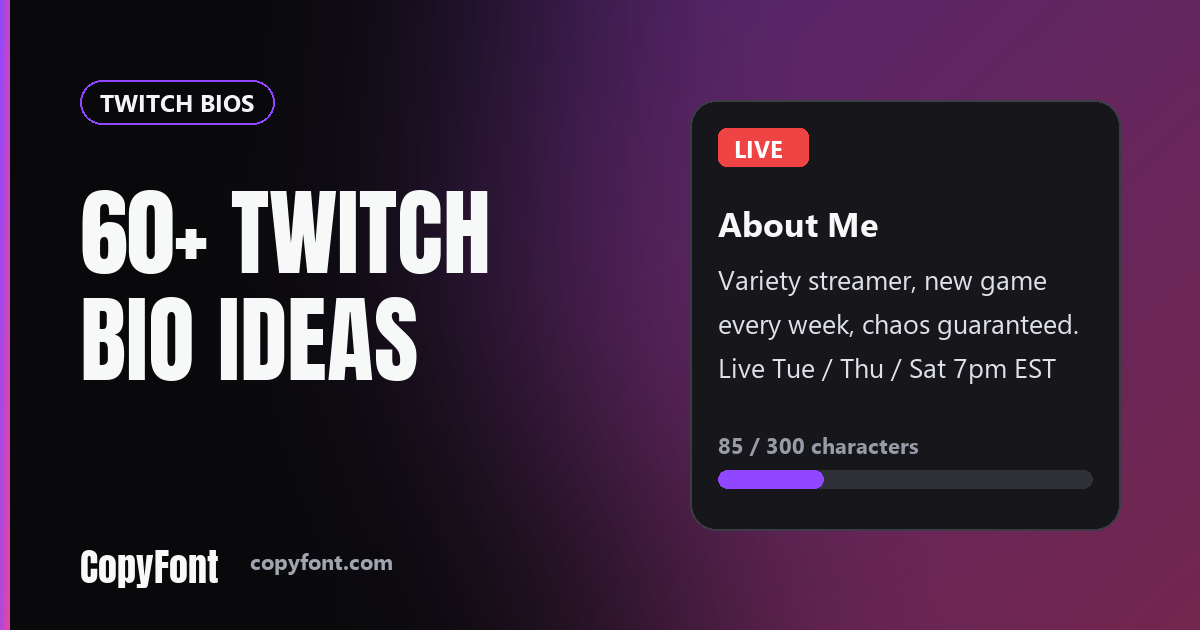
A Twitch bio does a different job than an Instagram or TikTok bio. Viewers usually land on your channel mid-stream, already watching the content, and only scroll down to the About panel if they're deciding whether to follow. That means your bio has one real task: tell a stranger who's already half-interested why they should stick around or hit follow. The character limit is generous enough, 300 characters, that you can actually explain your schedule or your vibe instead of cramming everything into a single tagline.
Twitch's bio length and what actually shows
The Twitch "About Me" panel accepts up to 300 characters of plain text, no bold, no line-break formatting beyond what you type manually, and no Unicode styling that reliably survives every theme and device. Your display name cannot hold styled letters either, because Twitch only lets you change the capitalization of your username. Keep the bio to plain, readable sentences that explain your content, and use CopyFont's Twitch font generator for chat messages and panel headings, where styled text can show up.
One quirk worth knowing: the panel can be shortened on narrower screens, so put the single most important sentence, your schedule, your main game, or your one-line hook, in the first 100 characters.
Variety streamer bios
- Variety streamer, new game every week, chaos guaranteed
- Live most nights, playing whatever looks fun that day
- Jack of all games, master of none, having fun anyway
- Streaming indie games nobody's heard of until now
- Variety content, chill chat, zero toxicity policy
- Rotating games, consistent chaos, follow for the ride
- New to streaming, old to gaming, let's figure it out together
- Here for the games, staying for the community
- Full-time streamer, part-time functioning adult
- Playing everything once, mastering nothing, loving it
- Horror games on Mondays, cozy games on Fridays
- Small streamer, big effort, come say hi
- Streaming since last year, still figuring out the overlay
- Games change weekly, the chaos stays constant
- Here to game, vibe and occasionally rage quit on stream
Competitive and ranked bios
- Climbing ranked, losing sanity, streaming the whole descent
- Competitive player, casual commentary, ranked grind daily
- Former hardstuck, currently grinding back up, come watch
- Ranked VODs posted weekly, tips shared live
- Coaching available, ranked grind streamed most evenings
- Tryhard by night, chill by day, streams reflect both
- Diamond and climbing, commentary included, no silence streams
- Here to improve on camera, mistakes and all
- Competitive mindset, casual vibe, ranked every stream
- Watching me climb (or tilt) in real time, every stream
- Esports hopeful, streaming the grind that got me here
- Scrims by day, ranked by night, streamed either way
Chill and just-chatting bios
- Just chatting, drawing, and occasionally pretending to game
- Cozy corner of Twitch, come for the vibes
- Low-energy streams for high-energy days
- Here for the chat more than the content, honestly
- Background noise for your work day, with occasional jokes
- Just chatting streamer, bring snacks and opinions
- Art streams, music streams, whatever streams, all chill
- Talking about my day so you don't have to talk about yours
- Cozy streams, low stakes, good chat energy only
- Here to hang out, games are secondary at best
- Quiet corner of the internet, pull up a chair
- Streaming my hobbies badly so you feel better about yours
Creative, art and music streamer bios
- Drawing live most evenings, requests welcome in chat
- Music sets, art streams and the occasional chaos
- Making things on stream, finished or not, come watch
- Pixel art and lo-fi beats for your late night
- Sketchbook open, chat open, no pressure to be good at it
- Live painting and bad jokes, two nights a week
- Building something new every stream, mistakes included
- Cover songs, original songs and songs I forgot the words to
- Crafting, coding and chatting from a small desk
- Watch a blank page turn into something by the end
- Producing beats live, requests taken before the drop
- Slow streams for people who like watching things get made
Schedule and community bios
- Live Tuesday and Thursday at 7pm, bring a friend
- Weekend streams, weekday VODs, same chat all week
- Streaming four nights a week, schedule in the panel below
- Early morning streams for people who start their day with games
- Late night streams for the ones who cannot sleep
- New streams every Friday, community game night on Sundays
- Chat picks the game on the first stream of every month
- Subscribers vote on the next game, everyone else votes anyway
- Follow to get notified, stay for the people in chat
- Mods keep it friendly, everyone gets a welcome
- Weekly challenge streams, chat sets the rules
- If you are reading this, you are already part of the chat
Frequently Asked Questions
How many characters can a Twitch bio have?
The Twitch "About Me" panel accepts up to 300 characters, far more than TikTok's 80 or Instagram's 150. That extra room is useful for explaining your schedule or content, but the panel still truncates on narrow screens, so lead with your most important line.
Can I use fancy fonts in my Twitch bio?
Styled Unicode text works more reliably in your Twitch display name than in the About Me bio text itself, since some bio layouts and themes render Unicode inconsistently. Use CopyFont's Twitch font generator for your display name and keep the bio in plain readable text.
Does my Twitch bio affect whether people follow me?
It's a secondary factor, viewers usually decide based on the stream itself, but a clear bio that states your schedule and content type gives an undecided viewer a concrete reason to hit follow instead of just closing the tab.
Should I include my streaming schedule in my bio?
Yes, if you stream on any kind of regular schedule. "Live Tue/Thu/Sat 7pm EST" tells a viewer exactly when to come back, which matters more for growth than a clever tagline alone.
Why does my Twitch bio look different on mobile than desktop?
The mobile app truncates the About Me panel more aggressively than desktop before showing a "Show more" link. Put your single most important sentence, schedule or main content type, within the first 100 characters so it survives truncation.