CopyFont: Fancy Text Generator & Copy and Paste Fonts
Definition: CopyFont is a free fancy text generator for copy and paste fonts. Type your text once and it appears in 40+ Unicode font styles, from bold and cursive to glitch and aesthetic, ready to paste into Instagram, TikTok, Discord and any other app. No signup, no download.
Three Easy Steps to Copy and Paste Fonts
Type Your Text
Enter any word, phrase or sentence in the input box above.
Choose a Style
Browse 40+ font styles that are generated instantly as you type.
Copy & Paste
Click the copy button and paste anywhere, bios, posts, usernames.
Copy and Paste Fonts for Popular Platforms
Trending Gen Z & Aesthetic Font Generator Styles
Stylish Text Generator & Font Changer for Popular Platforms
Bio Builder
Mix fonts line by line for your bio
TikTok Fonts
Bio & username styles
Instagram Fonts
Aesthetic bio fonts
Facebook Text Styler
Bold & fancy text
Discord Fonts
Server & username styles
Gaming Fonts
Cool username generator
Glitch Text
Zalgo & glitch effects
Bubble Text
ⓒⓘⓡⓒⓛⓔⓓ bubble letters
Small Text
ˢᵘᵖᵉʳˢᶜʳⁱᵖᵗ & small caps
Invisible Text
Blank Unicode characters
Twitch Fonts
Chat, panel & bio styles
How This Stylish Text Generator & Font Changer Works
CopyFont does not change the font of anything. It swaps each plain letter you type for a different Unicode character that happens to look like a styled letter, so the result is ordinary text that you can paste anywhere text is accepted. The tool has 40+ styles, from bold, italic, cursive script, double struck and fraktur to 25+ Gen Z aesthetic looks. Use them in bios, captions, display names, group names and messages. Handles and usernames are different: Instagram, TikTok and Discord accept only plain letters, numbers and a few symbols there, so keep styled text out of the username field.
The Unicode Standard is an international system that assigns a unique number to every character used in writing systems around the world. Developed in 1991 and now maintained by the Unicode Consortium, it defines more than 149,000 characters across more than 160 modern and historic scripts. Within this enormous character set are thousands of mathematical, letterlike, and decorative symbols that happen to resemble styled versions of everyday Latin letters.
For example, the character 𝗔 is not a bold letter A, it is the Unicode character U+1D5D4, "MATHEMATICAL SANS-SERIF BOLD CAPITAL A." Similarly, 𝒜 is U+1D49C, "MATHEMATICAL SCRIPT CAPITAL A." These characters exist in Unicode for use in mathematical notation, but they render visually as styled letters in any text field that supports Unicode, which is essentially all of them on modern devices. One side effect is accessibility: screen readers often read these characters as "mathematical bold capital A" or skip them, so use styled text for decoration and keep anything important, like a link or a phone number, in plain letters.
Why fancy fonts paste correctly everywhere
Traditional fonts only work if the recipient's device has that font installed. But Unicode characters are part of the text data itself. When you copy 𝓗𝓮𝓵𝓵𝓸 and paste it into your Instagram bio, you are pasting a string of Unicode code points, not a font setting. Every modern operating system, iOS, Android, Windows, macOS, has built-in support for rendering these characters, so your styled text displays the same way across all devices and platforms.
Tips for Using This Text Styler Effectively
Fancy Fonts for Free: What You Get
Every style on this page is free. There is no signup, no watermark, and you can convert up to 500 characters at a time. The conversion runs in your browser, so the text you type is not sent to a server. The site is paid for by ads and optional tips.
Free here means you copy the result and paste it wherever text is accepted, such as a bio, a display name or a caption. You do not download a font file, so nothing is installed on your device. If you want to see which Unicode block each style comes from, the Unicode Style Reference lists all of them, and the Instagram bio fonts and bold text generator pages show the most used styles in more detail.
Unicode Text or a Real Font File: Which Do You Need?
The two things look similar on screen but work in opposite ways. A font file, such as a .ttf or .otf, is a set of drawings that a device uses to draw ordinary letters, and it only works where that file is installed. CopyFont makes Unicode text, which is a different set of characters that already look styled, so nothing has to be installed on your phone or on the phone of the person reading it.
What it looks like in practice
Here is the word Hello in five styles, each one typed text rather than a picture: 𝗛𝗲𝗹𝗹𝗼 (bold), 𝓗𝓮𝓵𝓵𝓸 (bold script), ℍ𝕖𝕝𝕝𝕠 (double struck), Ⓗⓔⓛⓛⓞ (bubble) and ʜᴇʟʟᴏ (small caps). Type your own text in the box at the top of the page and you get the same results for your words, plus dozens more. For the full explanation, see the Learn guide, and for what styled text means for screen readers, read Accessibility and Unicode Styled Text.
Font Copy and Paste: Which Style to Use Where
If you searched for fonts copy and paste, the honest answer is that no two styles behave the same. Bold and italic survive almost everywhere, because nearly every phone ships the glyphs. Script and gothic look better but fail more often on older devices, where they turn into empty boxes. Symbol-heavy styles with stars or flowers break first.
A simple rule: use bold or italic for anything people need to read, cursive for a name or the first line of a bio, and decorative frames for fun posts only. To narrow the list to one look, try cute fonts copy and paste for bubble and kawaii styles, the cool text generator for gothic and glitch, the bold text generator for clean emphasis, or the cursive text generator for script.
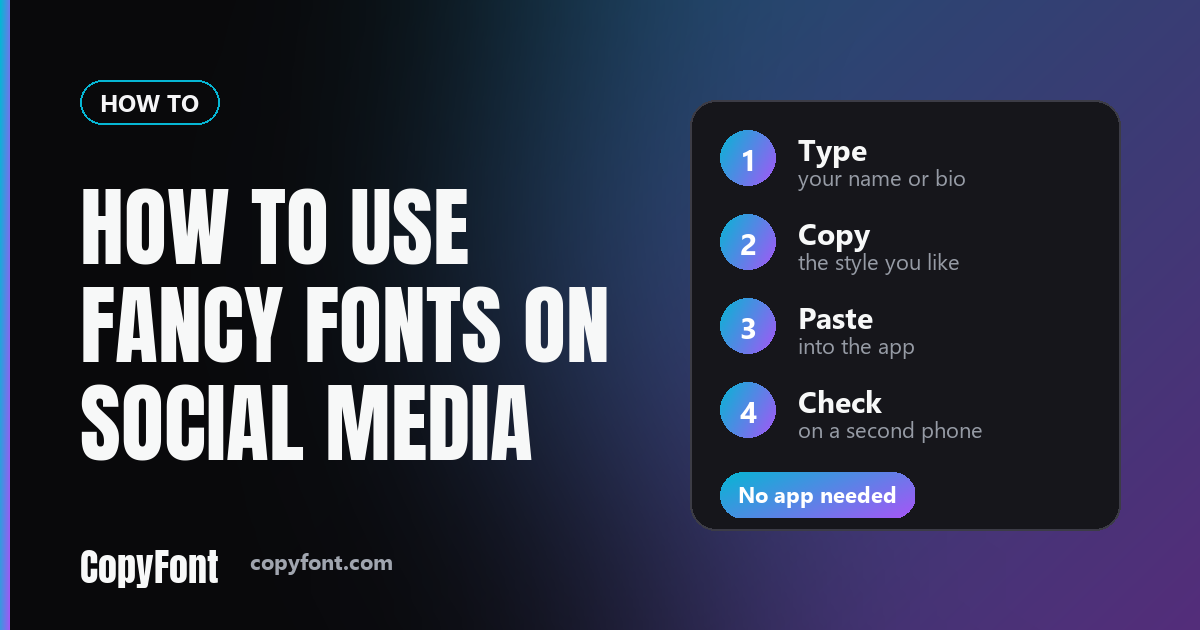
CopyFont, sometimes written Copy Font, also works as a free fancy font generator for display names. Username rules differ by app, so read how to use fancy fonts on social media before you touch a handle, and why fancy text shows up as boxes if something looks wrong on a friend's phone.
Want every style in one place? Use the font generator for copy paste, which lists all 40+ styles for names, bios and captions.
More platforms: Telegram fonts for bios and names, LinkedIn fonts for headlines, Twitter and X fonts, and Minecraft fonts for usernames. For more ideas, see the 15 best fonts for an Instagram bio, the emoji copy and paste page, and how CopyFont compares with LingoJam and FontSpace.
How to Use Fancy Fonts on WhatsApp
WhatsApp has no font picker, so styled text gets in the same way as everywhere else: you paste it. It works in your profile name, your About line, group names and normal messages.
- Type your name or message into the box at the top of this page.
- Find a style you like and tap Copy on that card.
- Open WhatsApp, go to Settings and tap your name at the top.
- Tap Name or About, paste, and save. In a chat, just paste into the message box and send.
Two things to know. Name and About fields are short, so keep the styled text brief, and a long script or gothic line is hard to read anyway. And the people who see it need a phone with the characters installed: bold and italic show up on nearly every phone, while the more decorated styles can appear as empty boxes on an old one.
WhatsApp also has formatting of its own that needs no copy and paste. Wrap text in asterisks for *bold*, underscores for _italic_, tildes for ~strikethrough~, and three backticks for monospace. These work inside messages only, not in your name or About line. For more WhatsApp styles, see WhatsApp fonts or the guide on using fancy fonts on social media.
Curious which Unicode block a style comes from, or which version of Unicode added it? The Unicode Style Reference lists every style with its characters and coverage.
If you want a softer or edgier look for a profile, e-girl fonts gathers the styles that suit it.
Guides for Bios, Usernames and Fonts
What Is CopyFont, and Why Isn't It a Real Font?
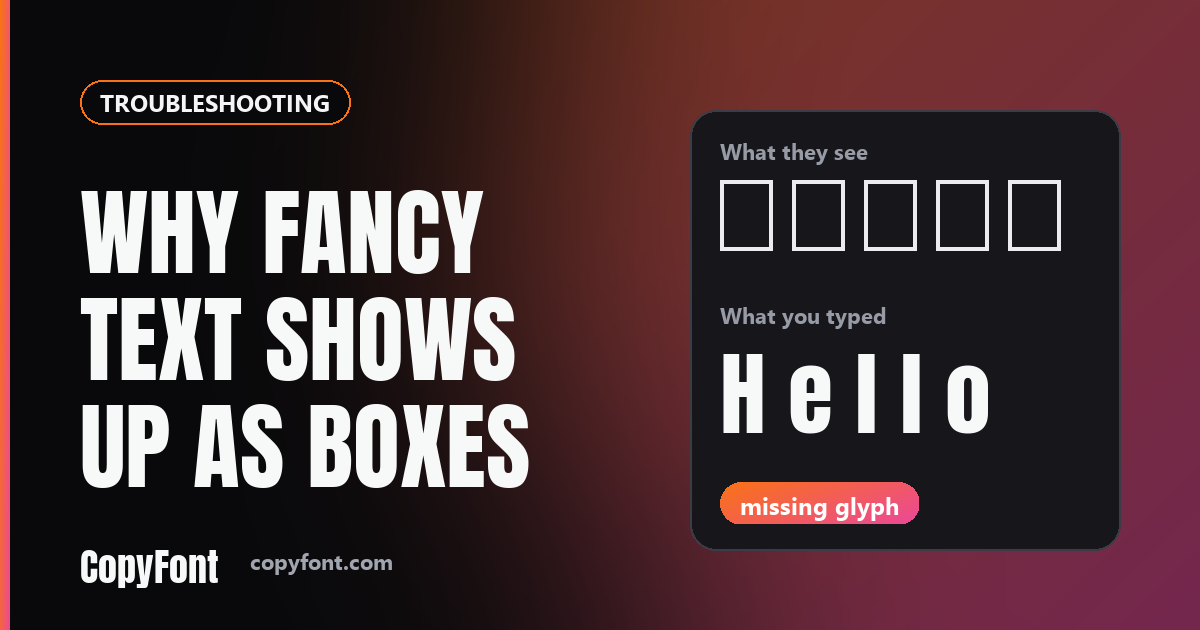
Why Fancy Text Shows Up as Boxes
100 Aesthetic Instagram Bio Ideas
80+ TikTok Bio Ideas

Discord Server Setup Guide
100+ Cool Gaming Username Ideas
60+ Twitch Bio Ideas
70+ Snapchat Username Ideas
60+ YouTube Channel Name Ideas