Instagram, TikTok and Discord have no font setting. You will not find one in the menus, and you can stop looking. What people call a "fancy font" is a set of Unicode characters that happen to look like bold, script or gothic letters. Because they are real characters, they paste anywhere text is accepted. That is why the trick works on every platform and breaks in a few specific places, which is most of what this guide covers.
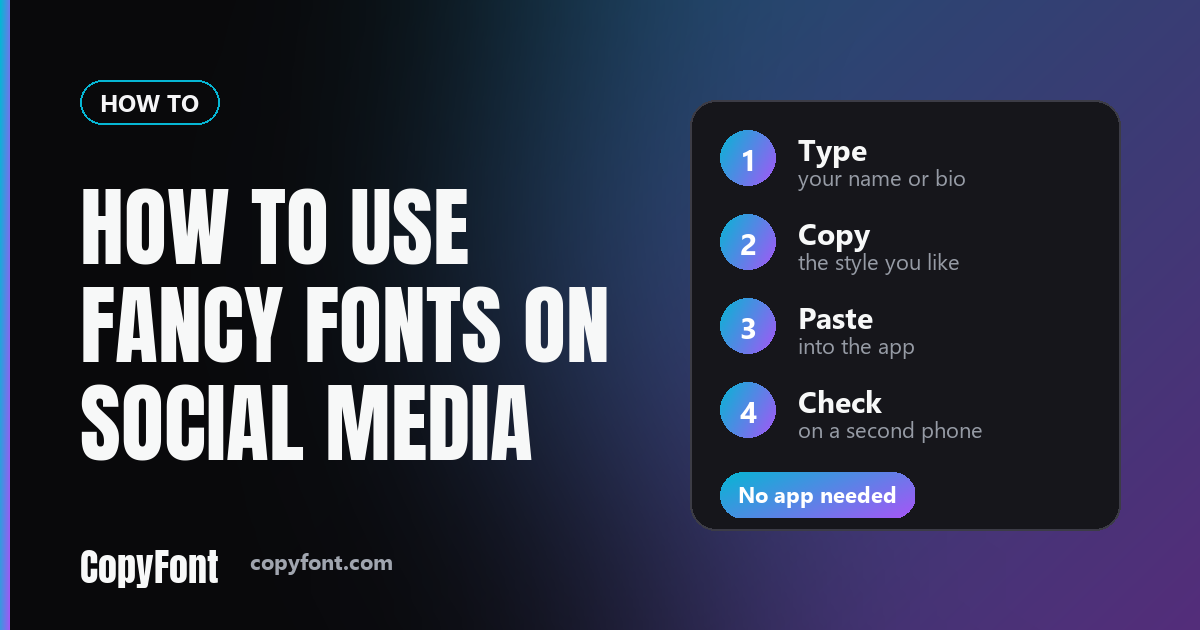
The four-step method
- Type your text. Open the Font Generator and enter a name, a bio line or a caption. Keep it short the first time.
- Pick a style. Every style appears at once, so scroll and choose the one that reads clearly. Bold and italic survive the most devices.
- Tap Copy. The styled text goes to your clipboard.
- Paste and check. Paste it into your bio, name field or caption, save, then look at it on a second device if you can.
The last step is the one people skip. A style that looks perfect on your phone can arrive as empty boxes on an older one, and you only find out when a friend mentions it.
Where it works and where it doesn't
Each platform has fields that accept styled text and fields that do not. The pattern is the same everywhere: the name people read takes styling, the name the system uses to find you does not. Platforms change these rules, so treat this as a map to check, not a promise.
| Platform | Takes styled text | Stays plain |
|---|---|---|
| Name field, bio (150 characters), captions, comments | Username | |
| TikTok | Nickname, bio (80 characters), captions, comments | @username |
| Discord | Display name, server nicknames, messages | Username |
For platform-specific tools, use Instagram Fonts, TikTok Fonts or Discord Fonts. They apply the same styles but sit next to the character limits and tips for that one app.
When something goes wrong
Most problems come down to four things. Here is each one with its cause and fix.
You see empty boxes instead of letters
Cause: the device has no font that contains that character. Fix: switch to a plainer style such as bold, and read why fancy text shows up as boxes for the full list of risky styles.
The field refuses your text
Cause: you pasted into a username or handle, which only accepts plain letters, numbers and a few separators. Fix: style your display name instead and leave the username alone.
The text changed after you saved
Cause: the platform stripped a character it does not support, often one of the combining marks used in glitchy or "zalgo" styles. Fix: pick a cleaner style.
People cannot find you by searching
Cause: a search for "cafe" will not match styled text that only looks like "cafe", because the underlying characters are different. Fix: keep the words you want to be found for in plain text.
The cost nobody mentions
Screen readers handle styled Unicode badly. Many announce each letter as a symbol name or skip it altogether, so a bio written entirely in script can be unreadable to someone using one. A sentence in plain text next to a styled name costs you nothing and keeps the page usable. If your bio carries information people need, like a booking link or a pronoun, write that part plainly.
One rule worth following
Style one thing per profile. A styled name looks intentional. A styled name, bio and every caption looks like noise, and nothing stands out because everything does. Pick the single line you want eyes on, usually your name or your first bio line, and write everything else normally.
Frequently Asked Questions
Do I need to download an app to use fancy fonts?
No. Fancy fonts are ordinary text characters, so there is nothing to install. You type in a generator, copy the styled result and paste it into the app like any other text.
Is it free?
CopyFont is free and needs no signup. The text you generate is yours to use anywhere, with no watermark and no limit on how many times you copy it.
Can fancy text get my account banned?
Styled Unicode is ordinary text, and using it is not a policy violation on its own. The usual rules about impersonation, spam and harassment still apply, and a name styled to look like someone else's can break them.
Why does my styled text look different on a friend's phone?
Each device draws characters from the fonts it has installed. If a phone is missing the glyph for one letter, it shows a box or a plain fallback. Bold and italic styles are the safest because most devices carry them.