Most abandoned Discord servers die the same way: someone clicks "Create Server," gets 5 default channels, invites 20 friends, and within a week nobody knows where to post anything. The server isn't dead because the community lost interest, it's dead because nobody could find the right channel fast enough to bother posting. Structure is the single biggest lever a server owner has, and it costs nothing to get right, you just need a plan before you start adding channels.
Channel structure that actually works
A new server should launch with far fewer channels than feels natural. The instinct is to create a channel for every possible topic on day one, but an empty channel grid signals a dead server louder than almost anything else. Start with the minimum viable structure: one welcome/rules channel, one general chat, one announcements channel, and one channel specific to whatever your server is actually about (gaming, art, study group, fan community). Add more channels only once an existing one is consistently busy enough that splitting the topic out would reduce clutter, not before.
Channel names should be scannable at a glance. Lowercase, hyphenated, and specific beats clever every time, a channel named #clip-dumps tells a new member exactly what it's for, a channel named #the-chamber doesn't. Save the creative naming for your server's actual personality elsewhere (the server name, the welcome message), not the channel list a stranger is trying to navigate in their first ten seconds.
Organizing channels into categories
Once you're past 6-8 channels, group them into categories. Discord categories are the gray header labels that collapse channel groups, and they're the single biggest readability upgrade available. A typical structure: an "Info" category (rules, announcements, welcome), a "General" category (main chat, off-topic, memes), a "Community" category specific to your server's purpose, and a "Voice" category for voice channels. Keep category names short and in all caps by convention, Discord renders them slightly differently from channel names, which reinforces that they're section headers, not channels themselves.
Resist nesting too deep. Two levels, category then channel, is the limit most members can mentally track. A server with sub-categories inside categories, or channels that reference three other channels to make sense of, loses people before they ever post.
Setting up a role hierarchy
Roles in Discord aren't just cosmetic tags, they control permissions, and getting the hierarchy wrong is one of the most common server-admin mistakes. The role list in Server Settings is ordered top to bottom by power, a role higher in the list outranks everything below it, and a member can't manage roles positioned above their own highest role. Build the hierarchy from the top down: Owner (automatic, can't be changed), then Admin, then Moderator, then any special community roles (Verified, Booster, custom color roles), then @everyone at the very bottom.
Give moderators only the permissions they actually need to do the job, kick, mute, manage messages, rather than full Administrator access by default. It's easier to grant more permission to a trusted mod later than to walk back access after an account gets compromised or a mod makes a mistake with too much power.
Formatting rules, headers and announcements
Discord supports real markdown inside messages: **bold**, *italic*, __underline__, ~~strikethrough~~, \`code\`, and # Heading for a large header line. These work in any message or channel description and render identically for every member, no special font or Nitro subscription required. For pinned rules or announcement posts, structuring with # Heading lines and bullet points reads dramatically better than a wall of plain unformatted text, and it costs nothing extra to do.
One formatting mistake worth avoiding: don't rely on markdown inside a channel name or a role name, Discord's markdown only renders inside message content, not in names, so **#rules** as a channel name just displays the literal asterisks. For styled text in names, you need actual Unicode characters, not markdown syntax.
Where styled fonts actually help
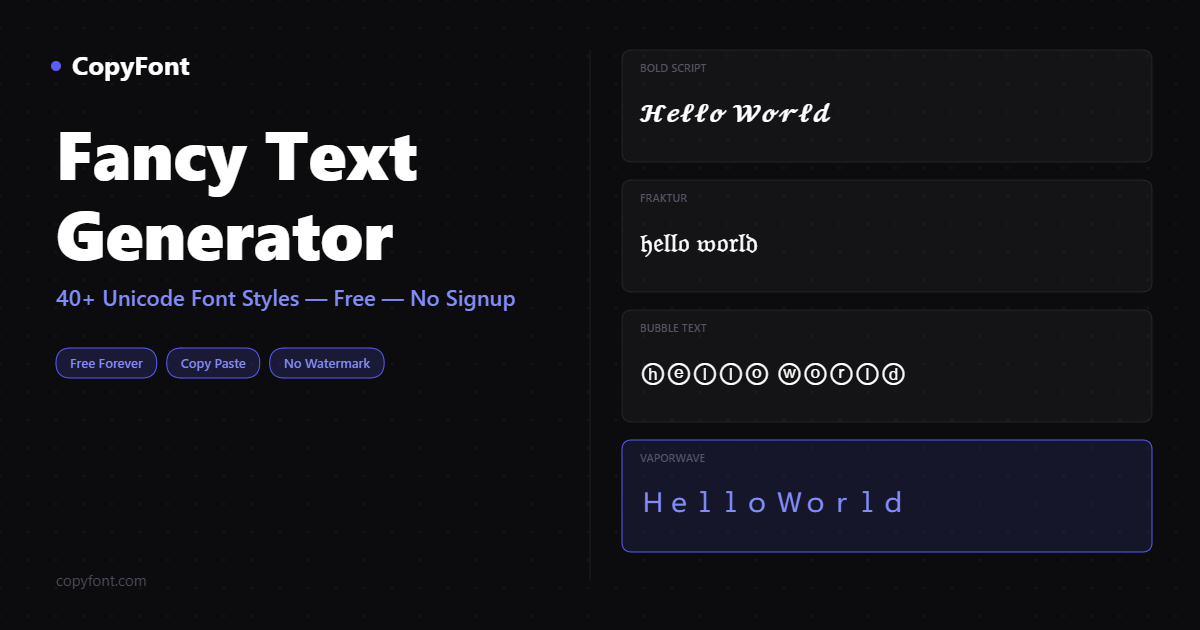
Unicode-styled fonts are a real, legitimate way to make a server name or a specific pinned message stand out, since markdown formatting doesn't work in channel names or server names at all. A styled server name using CopyFont's Discord font generator is one of the only ways to make that name visually distinct. The mistake is overusing it: a channel list where every single channel name is wrapped in decorative Unicode symbols becomes harder to scan, not easier, since nothing stands out when everything is styled. Reserve styled text for the one or two places it earns its keep, the server name itself, or a single pinned welcome message, and keep the working channel list in plain, scannable lowercase.
Frequently Asked Questions
How many channels should a new Discord server start with?
4-6 channels is plenty for launch: a rules/welcome channel, general chat, announcements, and one channel specific to your server's topic. Add more only once existing channels are consistently busy enough to justify splitting, an empty channel grid reads as a dead server to new members.
What's the difference between a category and a channel in Discord?
A category is a gray header label that groups related channels together and can be collapsed, it has no chat of its own. A channel is where actual messages happen. Categories exist purely for organization, grouping 3-5 related channels under one label makes a server dramatically easier to navigate.
How does Discord's role hierarchy actually work?
Roles are ranked top to bottom in Server Settings by power, a role positioned higher outranks everything below it, and members can't manage roles above their own highest role. Build it top-down: Owner, Admin, Moderator, special community roles, then @everyone at the bottom.
Can I use markdown formatting in a Discord channel name?
No. Discord's markdown (bold, italic, headers) only renders inside message content, not in channel names, server names, or role names. For styled text in a name, you need real Unicode characters from a tool like CopyFont's Discord font generator, not markdown syntax.
Do I need Discord Nitro to use fancy fonts or colors?
No. Unicode-styled fonts work in names and messages for everyone, free or Nitro, since they're standard text characters, not a Discord feature. Nitro unlocks separate things like animated emoji and larger file uploads, not font styling.